· 10 min read
Online Parkolás Budapest: Street Payments and Parking in 2026
Street parking in Budapest went fully digital from 1 July 2026. Parking meters are gone, and payment runs through apps, SMS or a phone call instead.
Street parking in Budapest went fully digital from 1 July 2026. Parking meters are gone, and payment runs through apps, SMS or a phone call instead.
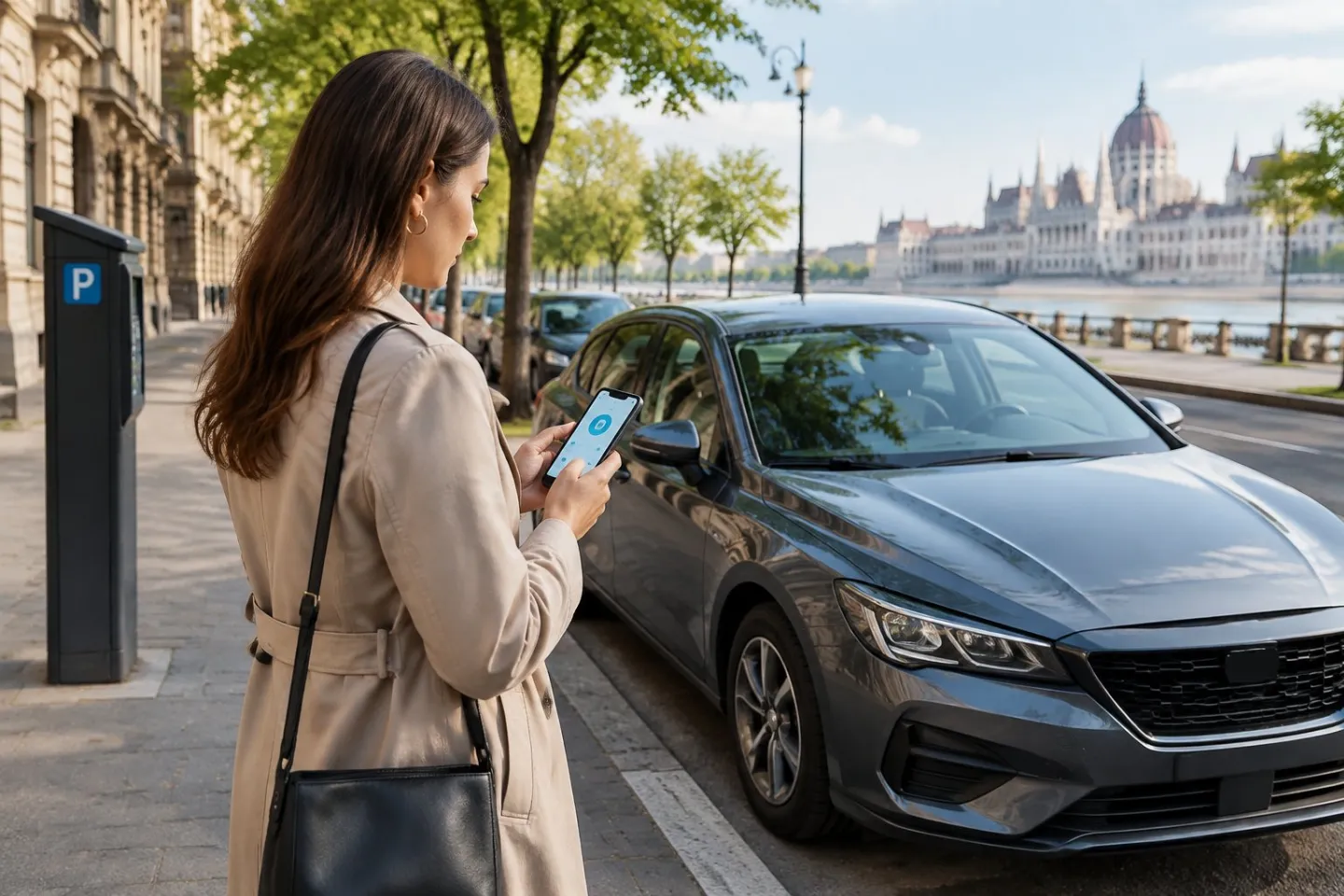
Online parkolás in Budapest means paying through a mobile app, SMS or phone call, since the city's parking machines have been switched off. Drivers need a registered app or service tied to their phone and registration number before they park on the street. We see this shift daily from our own sites across central Budapest, where drivers increasingly expect the same digital ease indoors that they now need on the street.
Getting this right matters more in District VI and VII, where zones sit close together and rules change block by block. If you'd rather skip the zone-checking altogether, TruPark's wider bays and straightforward access are worth a look for stays of any length, from an afternoon to a full month.
How Do You Pay for Street Parking Online?
Paying for közterületi parkolás online means confirming your zone, entering your rendszám correctly, and picking a payment channel you can monitor until the session ends. Get any one of these wrong and you risk a fine, even if you intended to pay.
Check the Parking Zone Before You Pay
Every chargeable street in Budapest sits inside a marked parkolási zóna, shown by a letter or code on nearby signage. Budapest now uses four zones designated A, B, C and D, each with its own hourly charge and chargeable period, according to BKK's official parking guidance. Confirm the zone code before opening any app, since paying into the wrong zone won't register against your actual bay.
Enter the Correct Registration Number and Start Your Session
Your rendszám is the only link between your payment and your car. Most mobilparkolás apps and SMS services check the plate against the paid zone automatically, so a single wrong character can mean an unpaid session on record.
Choose an App, SMS or a Phone Call
Three payment routes now cover Budapest's street parking: a mobile app, a text message, or parkolás telefonhívással. Nemzeti Mobilfizetési Zrt. lists the resellers supporting each method, including SMS start/stop numbers and dedicated calling lines for multiple providers. Phone-call parking gives the fastest confirmation but only works for a number tied to one phone number in advance.
Check the Current Zone Rules and Charges
Hourly rates vary by zone and district, not by provider. Parking Hungary's zone listing shows rates ranging from 300 HUF to 800 HUF per hour depending on location, with many zones free outside the chargeable period. Check the live óradíj for your zone before paying, since rates differ block to block.
Understand Which Payment Methods Apply to Street Parking
Street parking payment only works through the mobile-only system now in place, covering app, SMS and voice call. Bank cards, cash and the old parking meters no longer apply, as confirmed by Budapest's official announcement on the cashless transition.
Find Current TruPark Prices Separately
Street parking tariffs and TruPark's own rates are entirely separate systems. Current TruPark pricing sits on our pricing page, and it's worth checking before you travel so you know what a day or a month costs at one of our locations.
Compare Short Stops with Longer Stays
A quick errand suits a short app-based session with no renewal needed. A longer stay, especially over several hours, benefits from a service with auto-renewal so the session doesn't lapse while you're away from the car.
Allow for Time Limits and Re-entry Needs
Street zones carry maximum permitted durations in some areas, and leaving the space resets your paid session. If your plans involve multiple stops across a day, a street payment won't follow you between bays, since it is tied to one location at a time.
Choose a Payment Method You Can Monitor
Pick a channel that shows you a running total or a clear end time. An app with a visible timer makes it far easier to extend before a session lapses than an SMS service with no confirmation screen.
Avoid Confusing a Street-Parking Payment with Car-Park Access
A street-parking app payment only covers a public roadside bay. It has no connection to barrier-access car parks, where entry and payment work through a completely separate system tied to the specific site.
How Can You Verify and Manage a Street-Parking Session?
Confirming a street-parking session means checking three things line up: the zone, the registration number and a start confirmation from your chosen service. Managing it well means knowing how to extend, stop or fix a failed payment before a warden checks the bay.
Confirm the Zone, Registration Number and Start Message
Every legitimate session sends a confirmation, whether that's an app notification, a return SMS, or a verbal confirmation on a call. Check that the message shows the correct zone code and your full rendszám before you walk away from the car. A mismatch at this stage is the most common reason drivers get fined despite paying.
Extend or Stop the Session Using Your Chosen Service
Apps typically allow you to extend or end a session manually, with some offering automatic renewal so you don't need to return to your phone every few hours, as described in Parkl's FAQ on its renewal feature. SMS-based parking tied to a fixed duration doesn't need a stop message, but open-ended sessions started by call or SMS need an explicit stop to avoid being charged further.
What to Do if Payment Fails or No Confirmation Arrives
Try the payment again straight away and check your phone has signal, since mobile parking depends entirely on network connection. If a second attempt also fails, contact the provider's customer service line directly rather than assuming the payment went through. Keep a note of the time you first tried, since some providers will backdate a session if the failure was on their end.
Parking with TruPark in Central Budapest
TruPark offers six central Budapest locations with CCTV coverage and wide bays, including our named Bigger Blue Bay spaces measuring 2.70m by 5.00m at our sites. It's a straightforward alternative when street-zone rules feel like too much admin for a short visit or a long stay.
Find a Location That Suits Your Visit
Each TruPark site sits in or near Districts VI and VII, convenient for visitors heading into the city centre. Our Opera, Székely, Gozsdu, Kertész, Akácfa and Liliom locations each suit slightly different routes into town, so it's worth checking which sits closest to where you're actually headed.
Consider Wider Bays for an Easier Arrival
Every TruPark bay is wider than the Budapest standard, and our Bigger Blue Bay product goes further still at 2.70m by 5.00m. A 173cm-wide vehicle gets 49cm of clearance in a standard TruPark bay, which makes a real difference getting doors open without touching the car beside you.
Check Access and Payment Details Before You Travel
Camera-equipped sites read your plate and lift the barrier without a ticket or a wound-down window. Elsewhere, access works through a QR code. Payment runs through Apple Pay or Google Pay, and pricing details for casual, daily, multi-day or monthly stays sit on our pricing page.
When Does Off-Street Parking Make More Sense?
Off-street parking makes more sense once a visit stretches beyond a quick errand or crosses into unfamiliar zones. Street rules were built for short stops, not for a weekend trip or a business stay measured in days.
Driving into Districts VI and VII
Districts VI and VII carry some of the busiest közterületi parkolás zones in the city, with tight bays and zone letters that change from block to block. Arriving by car into these districts without a fixed plan for parking often means circling for a space that may not exist. A fixed site removes that search entirely.
Staying for a Day, Several Days or a Month
Street parking works against you once the stay runs past a single day, since most zones cap how long a bay can be paid for continuously. Off-street parking removes that limit, with daily, multi-day and monthly options built for exactly this. Monthly parking suits residents and regular business visitors who want one fixed arrangement rather than a running parkolási díj every few hours.
Comparing Street Rules with Your Plans
Street zones suit a thirty-minute stop outside a shop. They don't suit a conference stay, a long weekend, or a car left overnight near a hotel. Matching the parking type to the actual length of the visit avoids both overpaying and the risk of a lapsed session.
Choose a Space and Check the Rules Before You Drive
Budapest's move to mobile-only street parking means every driver needs a working app, SMS service or phone-call option lined up before they arrive. Check the zone, get the registration number right, and keep an eye on the session until it ends.
For a day, a few days or a monthly stay, a fixed site with CCTV and wide bays removes most of that admin. Our six central locations and Bigger Blue Bay spaces are there for exactly that kind of visit, and current pricing sits on our pricing page whenever you want to check costs before setting off.
Frequently Asked Questions
How do I check that my online street-parking payment has started?
Look for a confirmation message from your app, SMS service or phone call, showing the correct zone and your full registration number. No confirmation means no active session, even if you believe the payment was sent.
What happens if I enter the wrong registration number?
The payment won't be linked to your actual car, leaving the bay unpaid in the system's eyes. Correct it immediately through the same service or contact their customer support line before a warden checks the space.
Can I extend or stop street parking from my phone?
Most apps let you extend or end a session manually, and some offer automatic renewal so you don't need to check back every few hours. SMS and call-based services vary, with some fixed-duration sessions needing no stop message at all.
Do street-parking apps work for TruPark locations?
No. Street-parking apps cover public roadside zones only, while TruPark's sites use plate recognition or a QR code tied specifically to each location. The two systems don't connect, so a street-parking payment has no effect at a TruPark site.
Where can I check current parking prices in Budapest?
Street-zone rates are shown on the signage for each zone and through providers' own apps, since they vary by location. For TruPark's own rates across our central Budapest sites, our pricing page carries the current figures.
Written by TruPark